
Daily Homeroom or Period-Wise Mode
Configure once-a-day attendance for primary grades and subject/period-wise attendance for secondary schools and junior colleges (+2).

60 ವಿದ್ಯಾರ್ಥಿಗಳ ತರಗತಿಯನ್ನು 30 ಸೆಕೆಂಡ್ಗಳೊಳಗೆ ಗುರುತಿಸಿ—ಗೈರುಹಾಜರಾದವರನ್ನು ಮಾತ್ರ ಟ್ಯಾಪ್ ಮಾಡಿದರೆ ಸಾಕು.
ಪ್ರಾಥಮಿಕ ತರಗತಿಗಳಿಂದ ಪ್ರೌಢಶಾಲೆ ಮತ್ತು ಪಿಯುಸಿ (+2) ವೇಳಾಪಟ್ಟಿಯವರೆಗೆ ಪೀರಿಯಡ್ ಹಾಜರಾತಿ, ಪೋಷಕರ ರಜೆ ಅರ್ಜಿಗಳು ಮತ್ತು 75% ಹಾಜರಾತಿ ಟ್ರ್ಯಾಕಿಂಗ್.
Morning gate arrivals pre-fill the register so teachers tap only absentees while digital leave approvals sync automatically.

Morning gate check-ins pre-fill the list so teachers only mark absentees
ವೇಗ ಮತ್ತು ಸ್ಪಷ್ಟ—ಸಿಬ್ಬಂದಿ, ವಿದ್ಯಾರ್ಥಿಗಳು ಮತ್ತು ಪೋಷಕರಿಗೆ ಯಾವುದೇ ತಾಂತ್ರಿಕ ತರಬೇತಿ ಅಗತ್ಯವಿಲ್ಲ.
Morning gate arrivals open already marked Present for every period.
Teachers open their current scheduled period; gate taps and pre-approved student leaves are already highlighted on the roster.
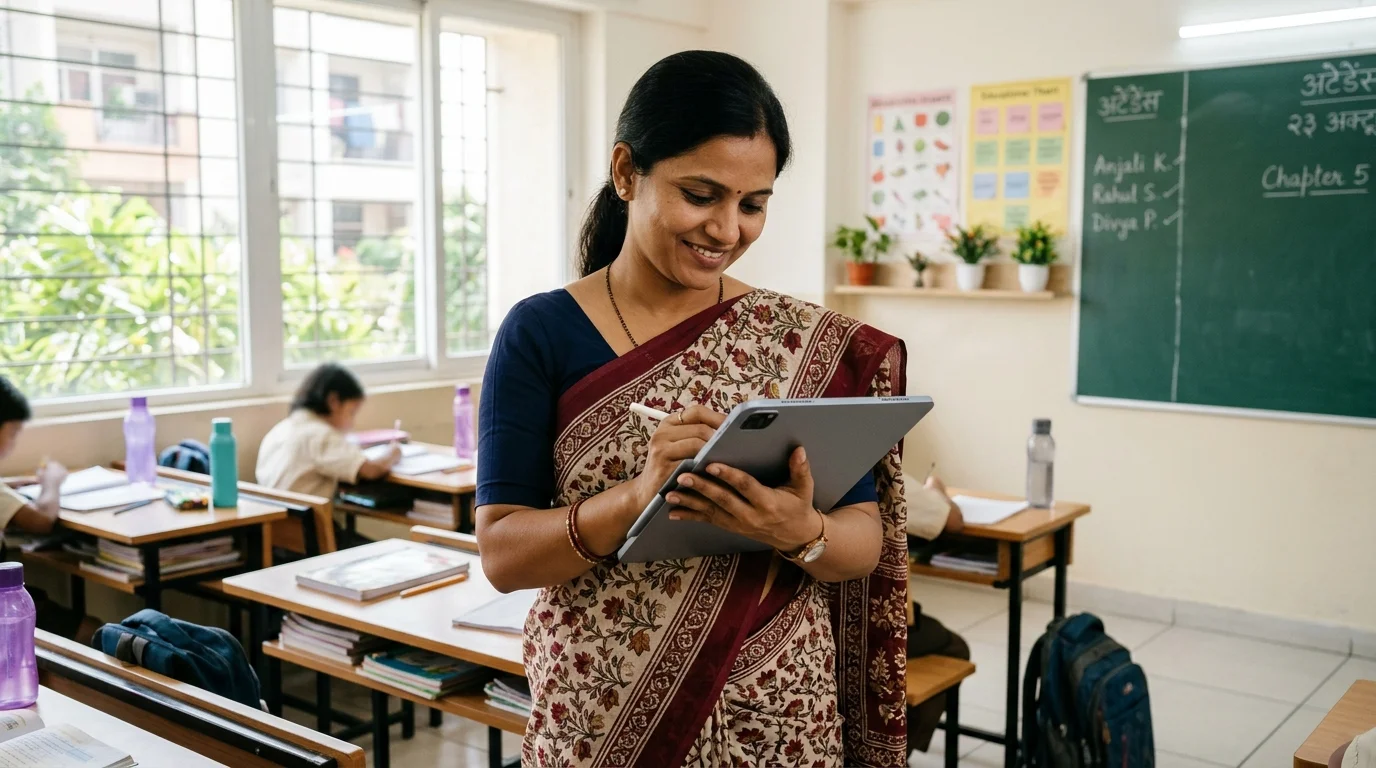
Teachers only tap absent or late students with zero repetitive clicks.
Tap only the 2 or 3 absent or late students and press Submit—saving 8+ minutes of instructional time every period.
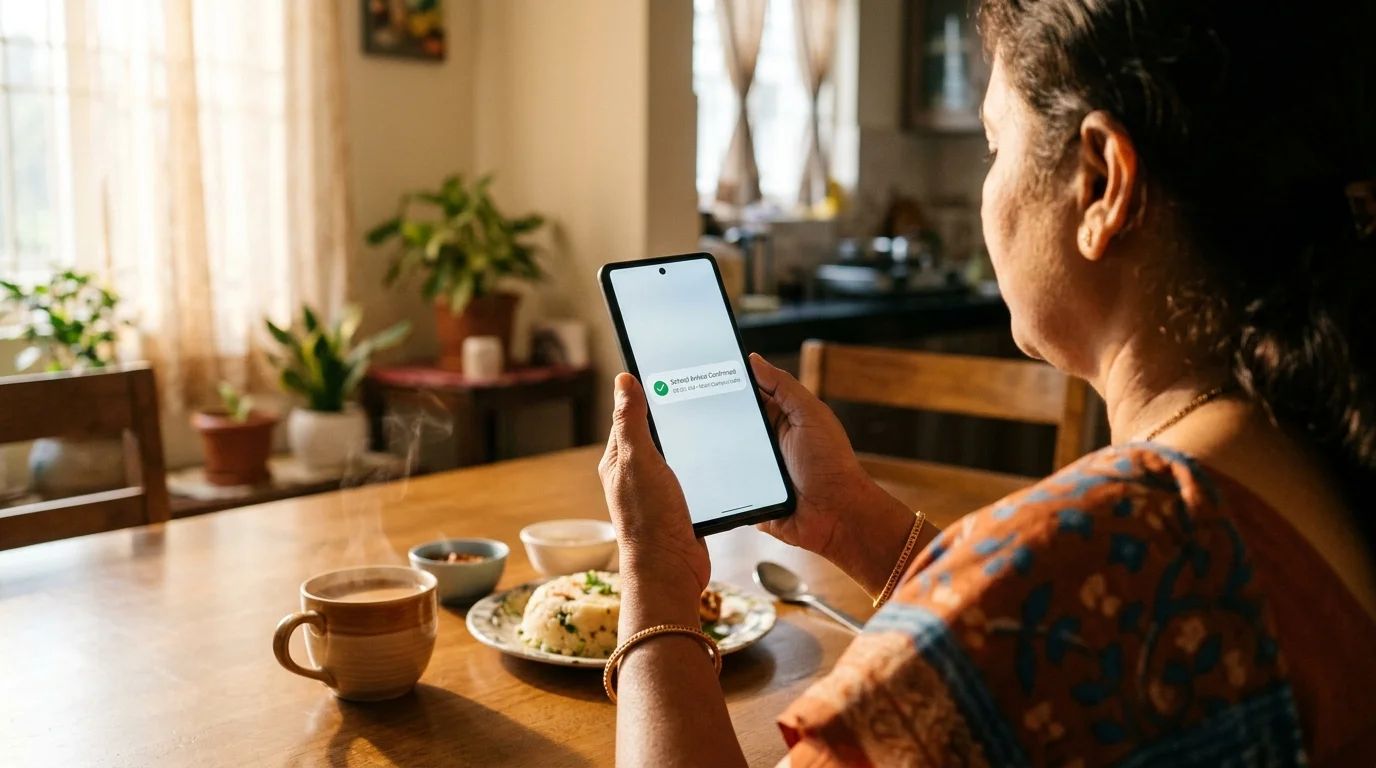
Approved medical notes sync automatically to the 75% attendance tracker.
Parents submit medical or family leave requests from the app; approved leaves automatically reconcile attendance percentages.
ಪ್ರತಿ ಸಾಮರ್ಥ್ಯವೂ ಸಂಸ್ಥೆ-ಮಟ್ಟದ ಡೇಟಾ ಭದ್ರತೆ, ಆಡಿಟ್ ಟ್ರೈಲ್ ಮತ್ತು ರಿಯಲ್-ಟೈಮ್ ಅಧಿಸೂಚನೆಗಳನ್ನು ಹೊಂದಿದೆ.
Configure once-a-day attendance for primary grades and subject/period-wise attendance for secondary schools and junior colleges (+2).
Multi-stage leave workflows with attachment uploads (medical certificates), class-teacher review, and HOD/Principal sign-off.
Proactive early-warning lists identify students trending below 75% attendance weeks before hall-ticket lockouts.
Retroactive edits require an authorization role and reason tag (sports duty, medical, late bus), preserving complete auditability.
Teachers in basement labs or thick-walled blocks can mark roll-call offline; the app queues and syncs automatically on Wi-Fi.
Download clean statutory attendance registers in CSV/PDF aligned with State Board, CBSE, ICSE, and Intermediate inspection formats.
Every update flows instantly across web dashboards, classroom tablets, and parent mobile apps — with zero manual re-entry.
Completes roll call in seconds without paper registers or month-end totalling.
Live visibility into unmarked periods, chronic absentees, and staff leave coverage.
Apply for leave digitally from home instead of sending paper notes.
Subject-by-subject attendance percentage tracker on web and mobile.
Yes. Attendance granularity is configurable per academic scope within the same institution.
Yes. Period bunking discrepancies between gate-in logs and classroom roll-call flag immediately for mentors and parents.
ನಮ್ಮ ಹೈ-ಸ್ಪೀಡ್ ADMS ಎಂಜಿನ್ ಕ್ಯಾಂಪಸ್ ಗೇಟ್ ಸಾಧನಗಳಿಂದ ನೇರವಾಗಿ ಪಂಚ್ಗಳನ್ನು ಸ್ವೀಕರಿಸಿ ಒಂದು ಸೆಕೆಂಡ್ ಒಳಗೆ ಪೋಷಕರಿಗೆ ಎಚ್ಚರಿಕೆ ಕಳುಹಿಸುತ್ತದೆ.
ಟರ್ನ್ಸ್ಟೈಲ್ ಇಲ್ಲದ ಶಾಲೆಗಳು, ಪ್ರಯೋಗಾಲಯಗಳು, ಬಸ್ಗಳು ಮತ್ತು ಪರೀಕ್ಷಾ ಕೊಠಡಿಗಳಲ್ಲಿ ಒಂದೇ ಸ್ಕ್ಯಾನ್ ಮೂಲಕ ವಿದ್ಯಾರ್ಥಿ ಫೋಟೋ ಮತ್ತು ಹಾಜರಾತಿ ಪರಿಶೀಲಿಸಿ.
ಕ್ಲಾಶ್-ಫ್ರೀ ವೇಳಾಪಟ್ಟಿಗಳು, ಡಿಜಿಟಲ್ ಹೋಮ್ವರ್ಕ್ ಡೈರಿ, ಅಂಕಗಳ ನಮೂದು ಮತ್ತು ಒಂದು-ಕ್ಲಿಕ್ ಮುದ್ರಿಸಬಹುದಾದ ಪ್ರಗತಿ ಪತ್ರಗಳು.