
3-Number Challenge Matching
Prevents accidental “approve fatigue” by requiring the user on the trusted device to tap the exact 2-digit number shown on the new screen.

ಅಡ್ಮಿನ್, ಕ್ಯಾಶಿಯರ್, ಶಿಕ್ಷಕ ಮತ್ತು ಪೋಷಕರ ಖಾತೆಗಳನ್ನು ರಕ್ಷಿಸಿ—ನಿಮ್ಮ ನೋಂದಾಯಿತ ಸಾಧನದ ಅನುಮೋದನೆಯಿಲ್ಲದೆ ಹೊಸ ಸಾಧನದಿಂದ ಯಾರೂ ಲಾಗಿನ್ ಆಗಲು ಸಾಧ್ಯವಿಲ್ಲ.
ಹೊಸ ಫೋನ್ ಅಥವಾ PC ಯಿಂದ ಲಾಗಿನ್ ಆದಾಗ 2-ಅಂಕಿಯ ಸಂಖ್ಯೆಯ ಸವಾಲು ಕಾಣಿಸುತ್ತದೆ; ನಿಮ್ಮ ಟ್ರಸ್ಟೆಡ್ ಫೋನ್ನಲ್ಲಿ ಆ ಸಂಖ್ಯೆಯನ್ನು ಟ್ಯಾಪ್ ಮಾಡಿದರೆ ಮಾತ್ರ ಪ್ರವೇಶ ಸಿಗುತ್ತದೆ.
Keep school records safe by approving new computer logins with a quick 2-digit number match on the principal’s phone.
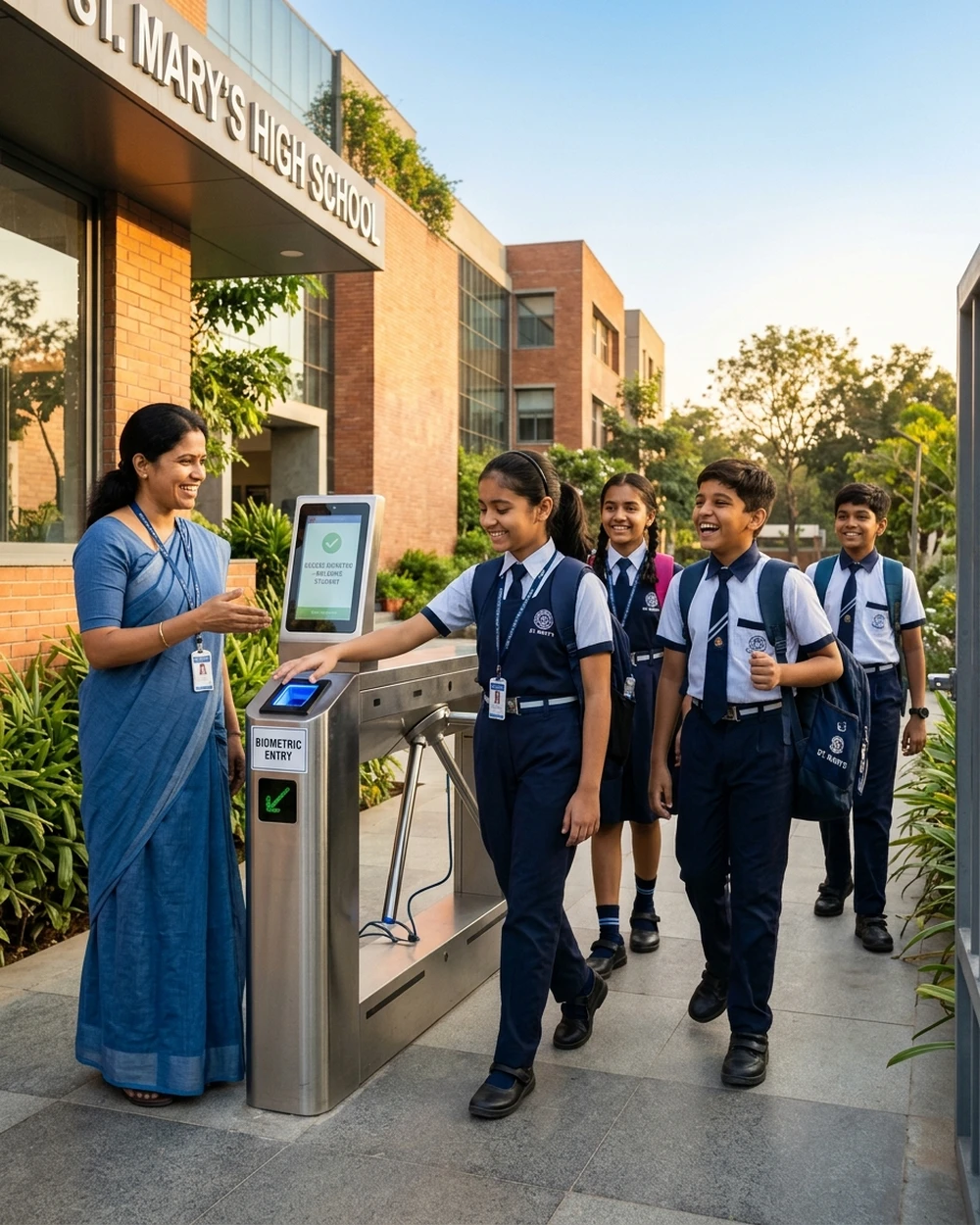
Even if a password is guessed, nobody can sign in without tapping the matching number on your phone
ವೇಗ ಮತ್ತು ಸ್ಪಷ್ಟ—ಸಿಬ್ಬಂದಿ, ವಿದ್ಯಾರ್ಥಿಗಳು ಮತ್ತು ಪೋಷಕರಿಗೆ ಯಾವುದೇ ತಾಂತ್ರಿಕ ತರಬೇತಿ ಅಗತ್ಯವಿಲ್ಲ.
Register official office laptops and principal smartphones in one click.
In Profile → Security & Trusted Devices, users see their enrolled hardware with human-readable OEM model names, OS, IP, and active session status.
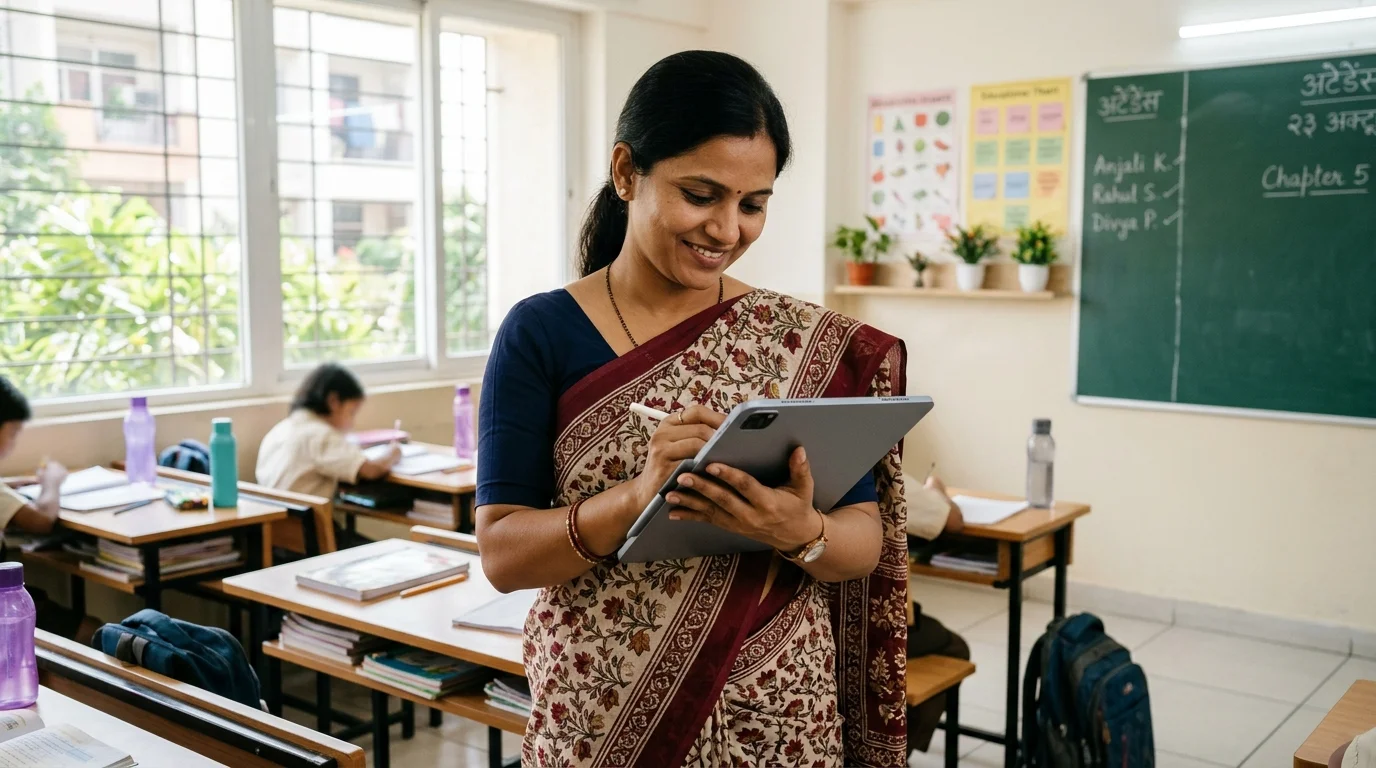
Any new sign-in shows a matching number you confirm on your phone.
When someone signs in from a new phone or laptop, login pauses and displays a 2-digit verification number while alerting all Trusted Devices in real time.
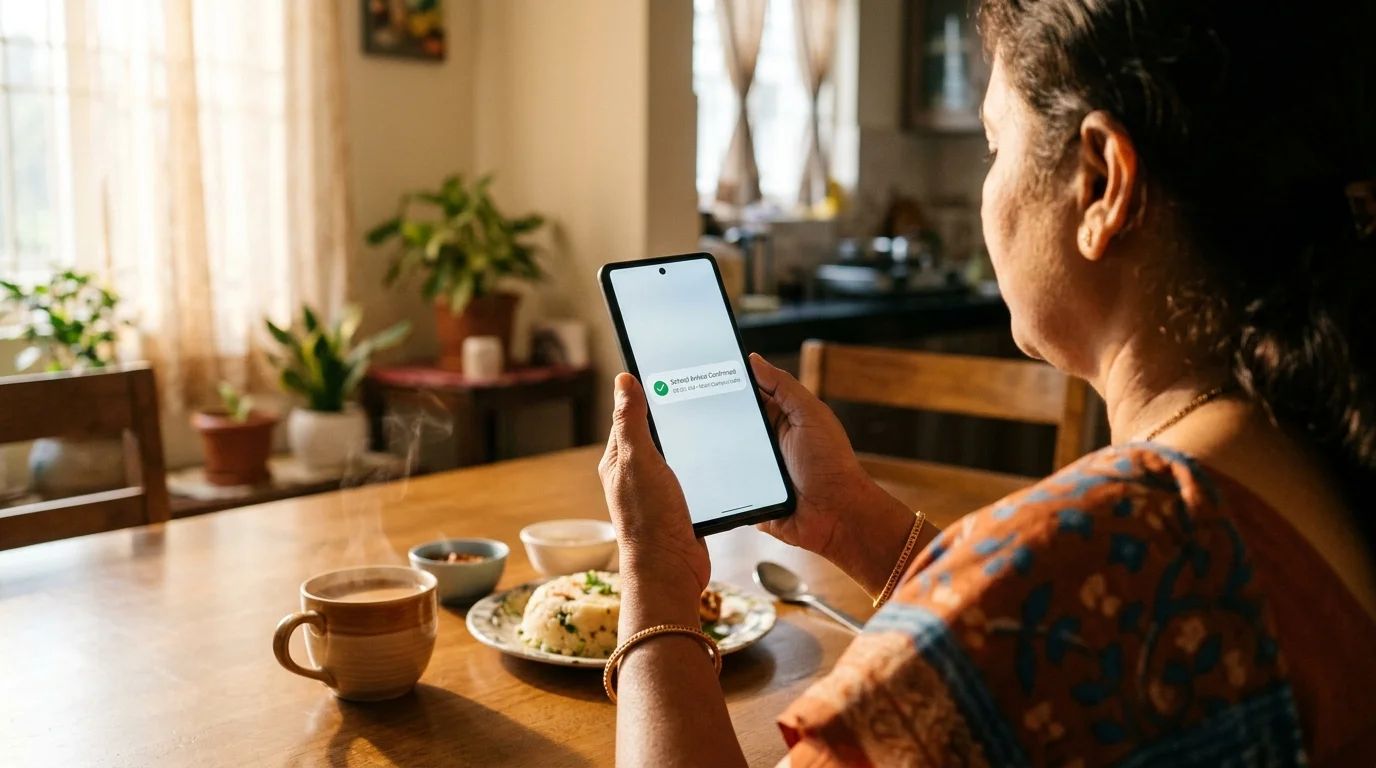
End any session instantly from your phone with a complete safety log.
On the Trusted Device, the user sees the requesting device model (e.g., Motorola Moto G84 · Android 14), taps the matching number to allow access, or taps Deny to block.
ಪ್ರತಿ ಸಾಮರ್ಥ್ಯವೂ ಸಂಸ್ಥೆ-ಮಟ್ಟದ ಡೇಟಾ ಭದ್ರತೆ, ಆಡಿಟ್ ಟ್ರೈಲ್ ಮತ್ತು ರಿಯಲ್-ಟೈಮ್ ಅಧಿಸೂಚನೆಗಳನ್ನು ಹೊಂದಿದೆ.
Prevents accidental “approve fatigue” by requiring the user on the trusted device to tap the exact 2-digit number shown on the new screen.
Identifies Motorola (Moto), Xiaomi/Redmi/POCO, Samsung Galaxy, OnePlus, Vivo, Oppo, Realme, Pixel, iPhone, macOS, Windows, and Linux devices clearly.
As soon as the trusted device approves the challenge, the waiting browser or mobile app transitions straight into the workspace without re-typing credentials.
Users can label devices (“Office Desktop”, “Personal Moto Phone”) and revoke lost or retired hardware in one click.
Ensures financial ledgers and student records can only be opened from authorized campus workstations or management phones.
If a teacher or parent loses their only phone, campus admins can verify identity and reset device trust cleanly.
Every update flows instantly across web dashboards, classroom tablets, and parent mobile apps — with zero manual re-entry.

Guarantees nobody can access sensitive institutional data from an unauthorized home PC.
Protects receipt books and bank account configurations with hardware-bound login security.
Clear visibility into every phone or browser signed into your account, with instant deny.
Enterprise Google/Microsoft-grade sign-in protection built natively into GotIt.
Yes. You can approve a new web browser login from your trusted phone, or approve a new phone from your trusted desktop session.
The prompt shows the detected brand/model (such as Motorola Moto, Samsung, iPhone, or Chrome on Windows), OS platform, and IP address.
ಸಂಬಂಧಿಕರು ಮಗುವನ್ನು ಕರೆದೊಯ್ಯಲು ಬಂದಾಗ, ಸಮಯ-ಮಿತಿಯ 6-ಅಂಕಿಯ OTP ಮತ್ತು ಗುರುತಿನ ದಾಖಲೆಯೊಂದಿಗೆ ಸಂಪೂರ್ಣ ಸುರಕ್ಷತೆ.
ವೆಬ್ ಮತ್ತು ಮೊಬೈಲ್ನಲ್ಲಿ ಏಳು ವಿಭಿನ್ನ ಪೋರ್ಟಲ್ಗಳು—ಶಿಕ್ಷಕರು, ಚಾಲಕರು, ಕ್ಯಾಶಿಯರ್ಗಳು ಮತ್ತು ಪೋಷಕರಿಗೆ ಅತ್ಯಂತ ಸರಳ ವಿನ್ಯಾಸ.
ಪ್ರತಿಯೊಂದು ದಾಖಲೆಯು institution_id ಯಿಂದ ಪ್ರತ್ಯೇಕಿಸಲ್ಪಟ್ಟಿದೆ; ಶಾಖೆ ಮತ್ತು ವಿಭಾಗವಾರು ಫಿಲ್ಟರ್ಗಳೊಂದಿಗೆ ಶೂನ್ಯ ಡೇಟಾ ಸೋರಿಕೆ.