
Daily Homeroom or Period-Wise Mode
Configure once-a-day attendance for primary grades and subject/period-wise attendance for secondary schools and junior colleges (+2).

60 കുട്ടികളുള്ള ക്ലാസിലെ ഹാജർ 30 സെക്കൻഡിനുള്ളിൽ രേഖപ്പെടുത്താം—ഹാജരില്ലാത്തവരെ മാത്രം ടാപ്പ് ചെയ്താൽ മതി.
പ്രൈമറി ക്ലാസുകൾ മുതൽ ഹയർസെക്കൻഡറി (+2) ടൈംടേബിളുകൾ വരെ പിരീഡ് തിരിച്ചുള്ള ഹാജർ, അവധി അപേക്ഷകൾ, 75% ഹാജർ ട്രാക്കിംഗ് എന്നിവ.
Morning gate arrivals pre-fill the register so teachers tap only absentees while digital leave approvals sync automatically.

Morning gate check-ins pre-fill the list so teachers only mark absentees
വേഗതയും വ്യക്തതയും—ജീവനക്കാർക്കും വിദ്യാർത്ഥികൾക്കും രക്ഷിതാക്കൾക്കും സാങ്കേതിക പരിശീലനം ആവശ്യമില്ല.
Morning gate arrivals open already marked Present for every period.
Teachers open their current scheduled period; gate taps and pre-approved student leaves are already highlighted on the roster.
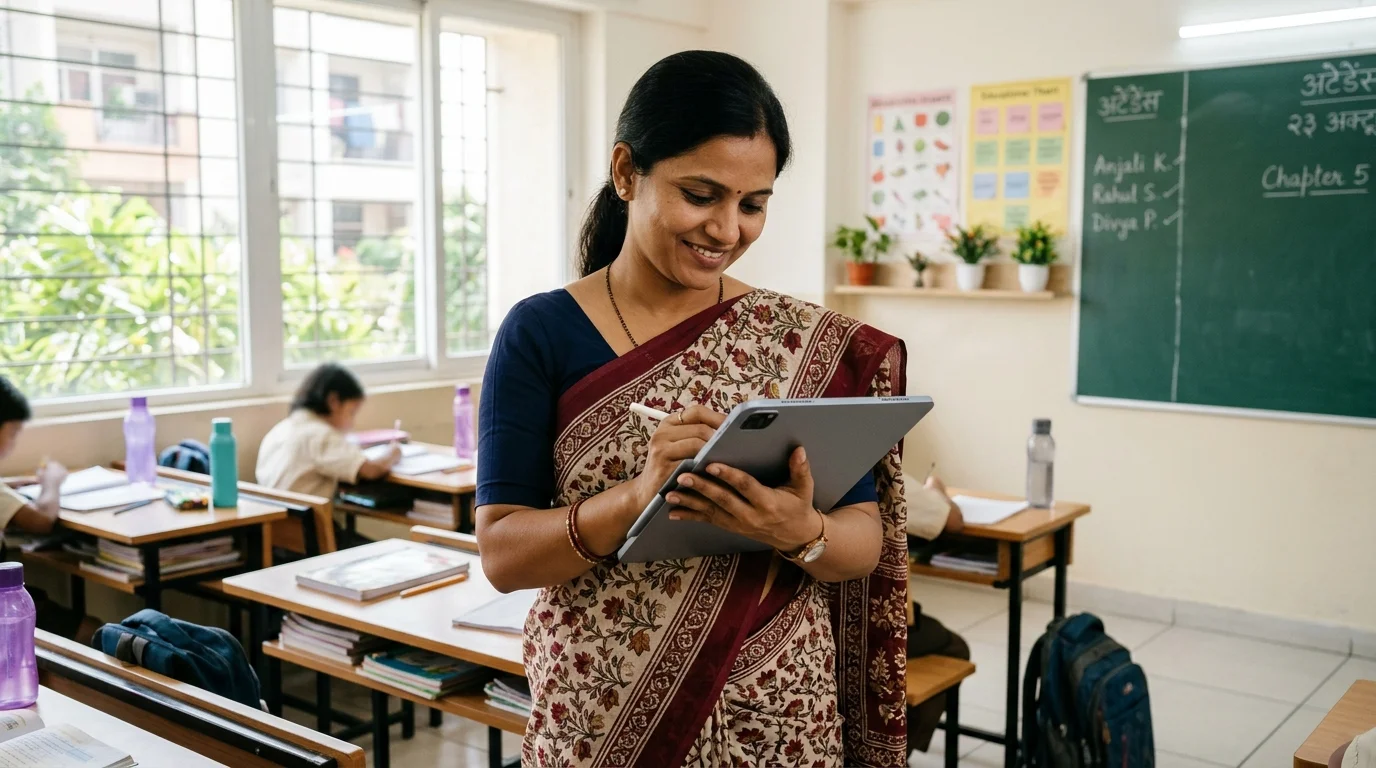
Teachers only tap absent or late students with zero repetitive clicks.
Tap only the 2 or 3 absent or late students and press Submit—saving 8+ minutes of instructional time every period.
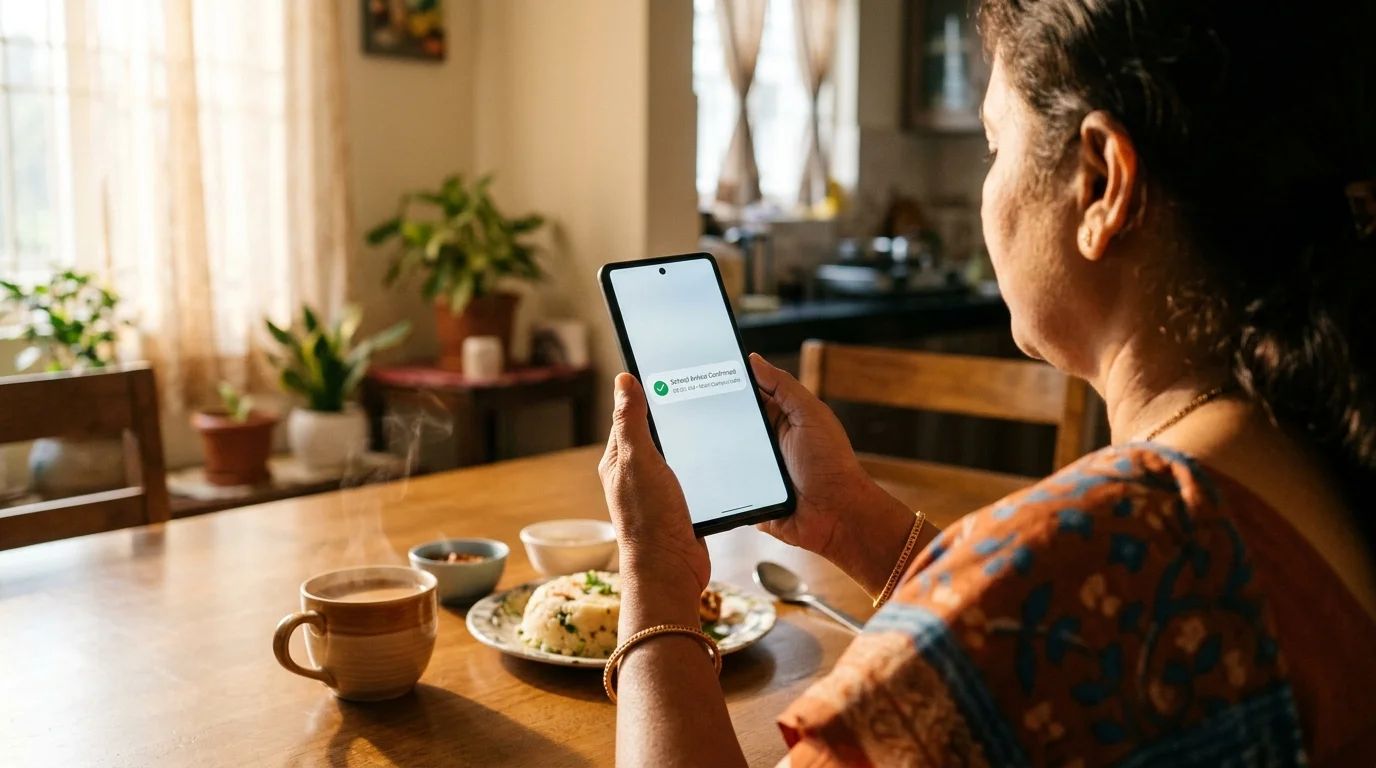
Approved medical notes sync automatically to the 75% attendance tracker.
Parents submit medical or family leave requests from the app; approved leaves automatically reconcile attendance percentages.
ഓരോ കഴിവിലും സ്ഥാപന-തല ഡാറ്റാ സുരക്ഷ, ഓഡിറ്റ് ട്രെയിൽ, തത്സമയ അറിയിപ്പുകൾ എന്നിവ ഉൾപ്പെടുന്നു.
Configure once-a-day attendance for primary grades and subject/period-wise attendance for secondary schools and junior colleges (+2).
Multi-stage leave workflows with attachment uploads (medical certificates), class-teacher review, and HOD/Principal sign-off.
Proactive early-warning lists identify students trending below 75% attendance weeks before hall-ticket lockouts.
Retroactive edits require an authorization role and reason tag (sports duty, medical, late bus), preserving complete auditability.
Teachers in basement labs or thick-walled blocks can mark roll-call offline; the app queues and syncs automatically on Wi-Fi.
Download clean statutory attendance registers in CSV/PDF aligned with State Board, CBSE, ICSE, and Intermediate inspection formats.
Every update flows instantly across web dashboards, classroom tablets, and parent mobile apps — with zero manual re-entry.
Completes roll call in seconds without paper registers or month-end totalling.
Live visibility into unmarked periods, chronic absentees, and staff leave coverage.
Apply for leave digitally from home instead of sending paper notes.
Subject-by-subject attendance percentage tracker on web and mobile.
Yes. Attendance granularity is configurable per academic scope within the same institution.
Yes. Period bunking discrepancies between gate-in logs and classroom roll-call flag immediately for mentors and parents.
ഞങ്ങളുടെ ഹൈ-സ്പീഡ് ADMS എഞ്ചിൻ ക്യാമ്പസ് ഗേറ്റ് ഹാർഡ്വെയറിൽ നിന്ന് നേരിട്ട് പഞ്ചുകൾ സ്വീകരിച്ച് ഒരു സെക്കൻഡിനുള്ളിൽ രക്ഷിതാക്കൾക്ക് അലേർട്ട് നൽകുന്നു.
ടേൺസ്റ്റൈൽ ഇല്ലാത്ത ക്യാമ്പസുകൾ, ലാബുകൾ, ബസുകൾ, പരീക്ഷാ ഹാളുകൾ എന്നിവിടങ്ങളിൽ ഒറ്റ സ്കാനിലൂടെ വിദ്യാർത്ഥിയുടെ ഫോട്ടോയും ഹാജരും ഉറപ്പാക്കാം.
ക്ലാഷ്-ഫ്രീ ടൈംടേബിളുകൾ, ഡിജിറ്റൽ ഹോംവർക്ക് ഡയറി, മാർക്ക് എൻട്രി, ഒറ്റ ക്ലിക്കിൽ പ്രിന്റ് ചെയ്യാവുന്ന പ്രോഗ്രസ് കാർഡുകൾ.