
3-Number Challenge Matching
Prevents accidental “approve fatigue” by requiring the user on the trusted device to tap the exact 2-digit number shown on the new screen.

അഡ്മിൻ, കാഷ്യർ, അധ്യാപക, രക്ഷാകർതൃ അക്കൗണ്ടുകൾ സംരക്ഷിക്കുക—നിങ്ങളുടെ രജിസ്റ്റർ ചെയ്ത ഫോണിന്റെ അനുമതിയില്ലാതെ പുതിയ ഉപകരണത്തിൽ ലോഗിൻ ചെയ്യാനാവില്ല.
പുതിയ ഫോണിലോ കമ്പ്യൂട്ടറിലോ ലോഗിൻ ചെയ്യുമ്പോൾ 2-അക്ക നമ്പർ ചലഞ്ച് കാണിക്കുന്നു; നിങ്ങളുടെ ട്രസ്റ്റഡ് ഫോണിൽ ആ നമ്പർ ടാപ്പ് ചെയ്താൽ മാത്രമേ പ്രവേശനം ലഭിക്കൂ.
Keep school records safe by approving new computer logins with a quick 2-digit number match on the principal’s phone.
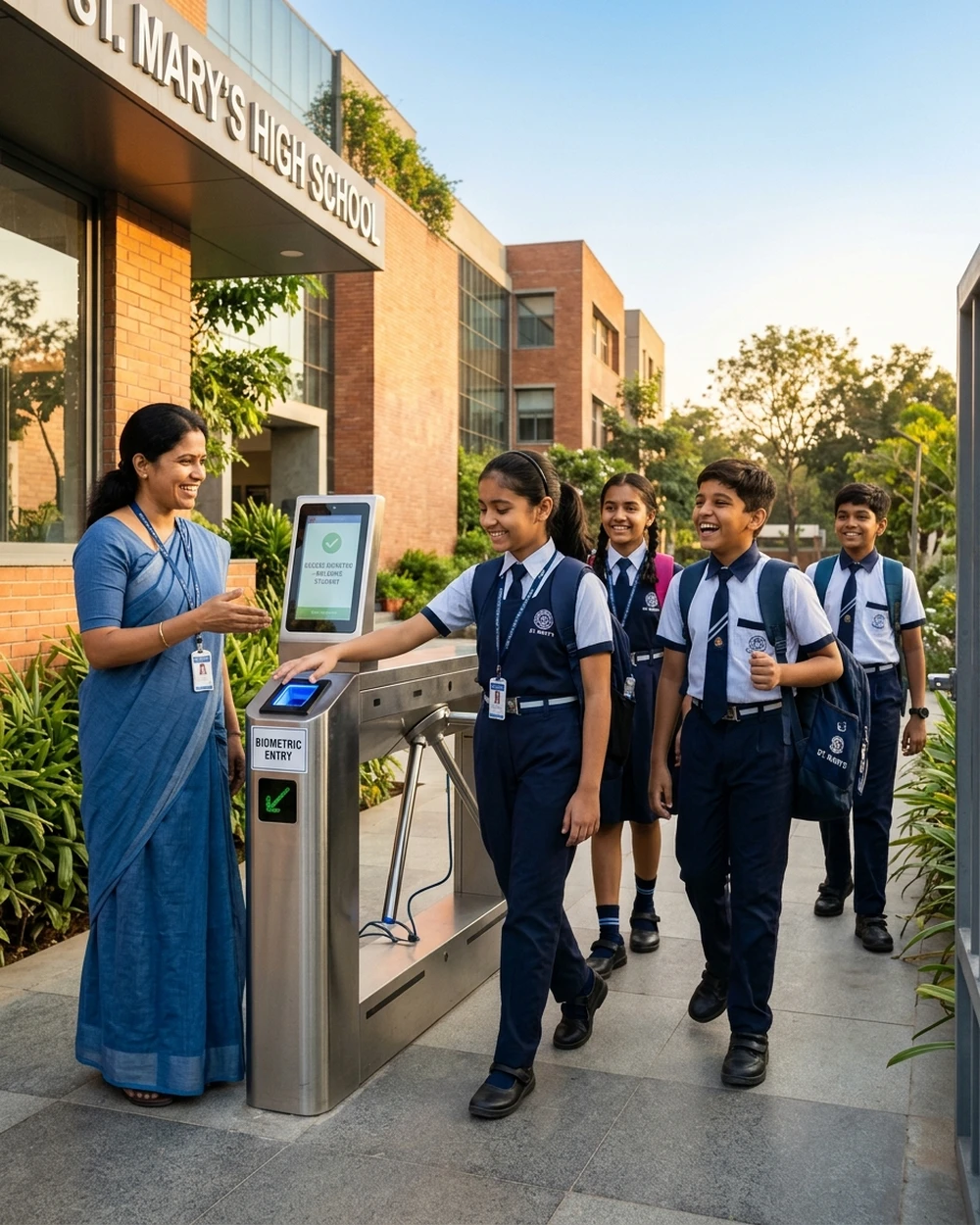
Even if a password is guessed, nobody can sign in without tapping the matching number on your phone
വേഗതയും വ്യക്തതയും—ജീവനക്കാർക്കും വിദ്യാർത്ഥികൾക്കും രക്ഷിതാക്കൾക്കും സാങ്കേതിക പരിശീലനം ആവശ്യമില്ല.
Register official office laptops and principal smartphones in one click.
In Profile → Security & Trusted Devices, users see their enrolled hardware with human-readable OEM model names, OS, IP, and active session status.
Any new sign-in shows a matching number you confirm on your phone.
When someone signs in from a new phone or laptop, login pauses and displays a 2-digit verification number while alerting all Trusted Devices in real time.
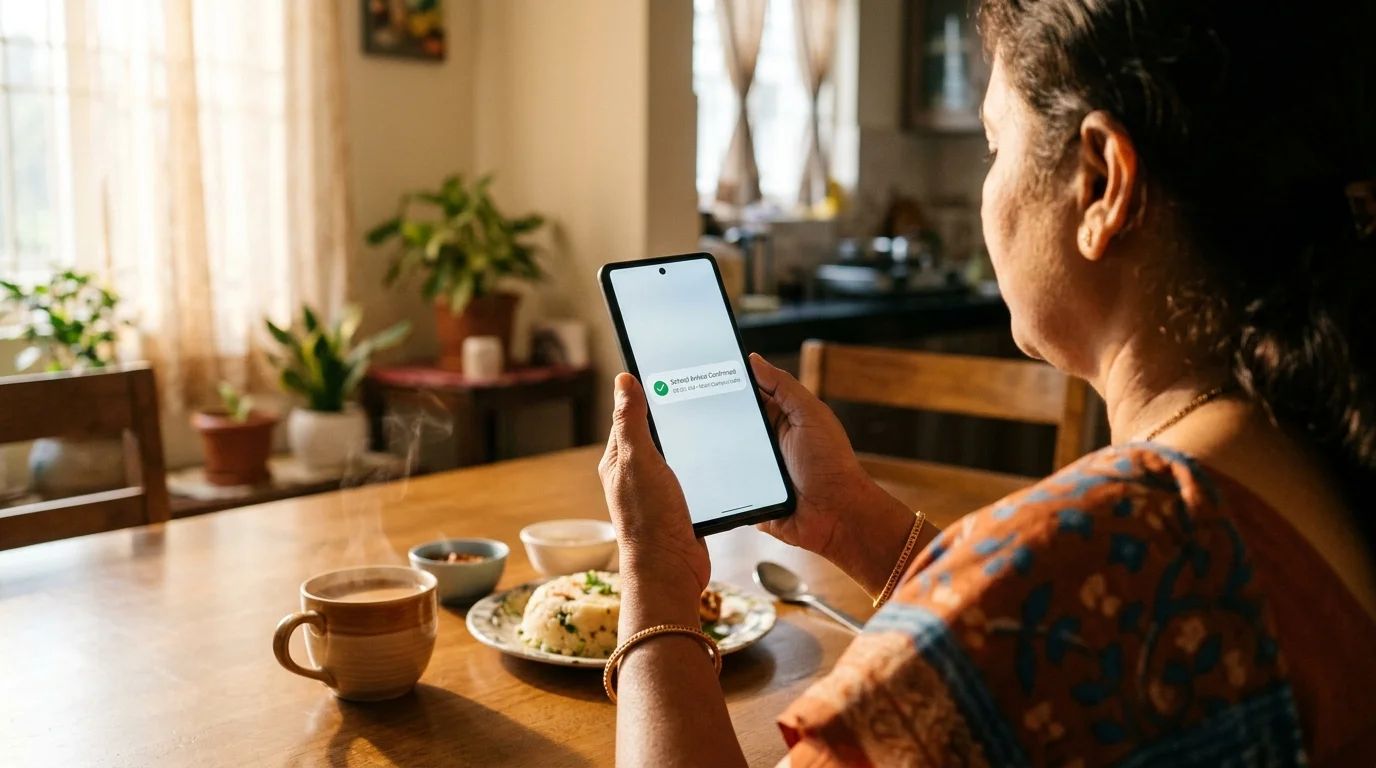
End any session instantly from your phone with a complete safety log.
On the Trusted Device, the user sees the requesting device model (e.g., Motorola Moto G84 · Android 14), taps the matching number to allow access, or taps Deny to block.
ഓരോ കഴിവിലും സ്ഥാപന-തല ഡാറ്റാ സുരക്ഷ, ഓഡിറ്റ് ട്രെയിൽ, തത്സമയ അറിയിപ്പുകൾ എന്നിവ ഉൾപ്പെടുന്നു.
Prevents accidental “approve fatigue” by requiring the user on the trusted device to tap the exact 2-digit number shown on the new screen.
Identifies Motorola (Moto), Xiaomi/Redmi/POCO, Samsung Galaxy, OnePlus, Vivo, Oppo, Realme, Pixel, iPhone, macOS, Windows, and Linux devices clearly.
As soon as the trusted device approves the challenge, the waiting browser or mobile app transitions straight into the workspace without re-typing credentials.
Users can label devices (“Office Desktop”, “Personal Moto Phone”) and revoke lost or retired hardware in one click.
Ensures financial ledgers and student records can only be opened from authorized campus workstations or management phones.
If a teacher or parent loses their only phone, campus admins can verify identity and reset device trust cleanly.
Every update flows instantly across web dashboards, classroom tablets, and parent mobile apps — with zero manual re-entry.

Guarantees nobody can access sensitive institutional data from an unauthorized home PC.
Protects receipt books and bank account configurations with hardware-bound login security.
Clear visibility into every phone or browser signed into your account, with instant deny.
Enterprise Google/Microsoft-grade sign-in protection built natively into GotIt.
Yes. You can approve a new web browser login from your trusted phone, or approve a new phone from your trusted desktop session.
The prompt shows the detected brand/model (such as Motorola Moto, Samsung, iPhone, or Chrome on Windows), OS platform, and IP address.
ബന്ധുക്കൾ കുട്ടിയെ കൂട്ടിക്കൊണ്ടുപോകാൻ വരുമ്പോൾ, സമയബന്ധിതമായ 6-അക്ക OTP-യും തിരിച്ചറിയൽ രേഖയും വഴി പൂർണ്ണ സുരക്ഷ ഉറപ്പാക്കുന്നു.
വെബിലും മൊബൈലിലും ഏഴ് വ്യത്യസ്ത പോർട്ടലുകൾ—അധ്യാപകർ, ഡ്രൈവർമാർ, കാഷ്യർമാർ, രക്ഷിതാക്കൾ എന്നിവർക്ക് പരിശീലനം കൂടാതെ ഉപയോഗിക്കാം.
ഓരോ റെക്കോർഡും institution_id വഴി വേർതിരിച്ചിരിക്കുന്നു; ബ്രാഞ്ച്, ഡിപ്പാർട്ട്മെന്റ് തിരിച്ചുള്ള ഫിൽട്ടറുകളും പൂർണ്ണ ഡാറ്റാ സ്വകാര്യതയും.