
Daily Homeroom or Period-Wise Mode
Configure once-a-day attendance for primary grades and subject/period-wise attendance for secondary schools and junior colleges (+2).

60 மாணவர்கள் கொண்ட வகுப்பை 30 வினாடிகளுக்குள் பதிவு செய்யுங்கள்—வராதவர்களை மட்டும் தட்டினால் போதும்.
தொடக்கப் பள்ளி முதல் மேல்நிலை (+2) பாடவேளைகள் வரை, பெற்றோர் விடுப்பு விண்ணப்பங்கள் மற்றும் 75% வருகை கண்காணிப்புடன்.
Morning gate arrivals pre-fill the register so teachers tap only absentees while digital leave approvals sync automatically.

Morning gate check-ins pre-fill the list so teachers only mark absentees
வேகமானது, எளிமையானது—ஊழியர்கள், மாணவர்கள், பெற்றோருக்கு எந்தத் தொழில்நுட்பப் பயிற்சியும் தேவையில்லை.
Morning gate arrivals open already marked Present for every period.
Teachers open their current scheduled period; gate taps and pre-approved student leaves are already highlighted on the roster.
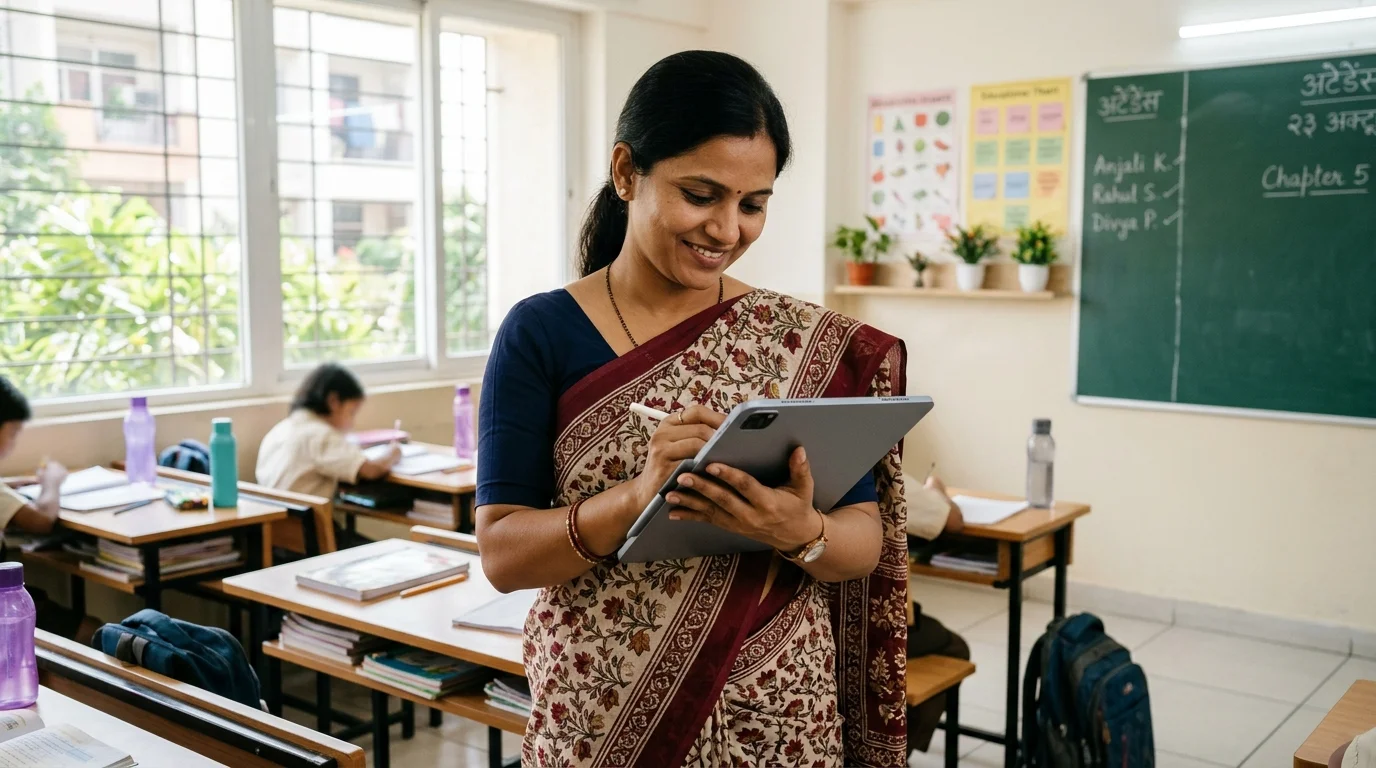
Teachers only tap absent or late students with zero repetitive clicks.
Tap only the 2 or 3 absent or late students and press Submit—saving 8+ minutes of instructional time every period.
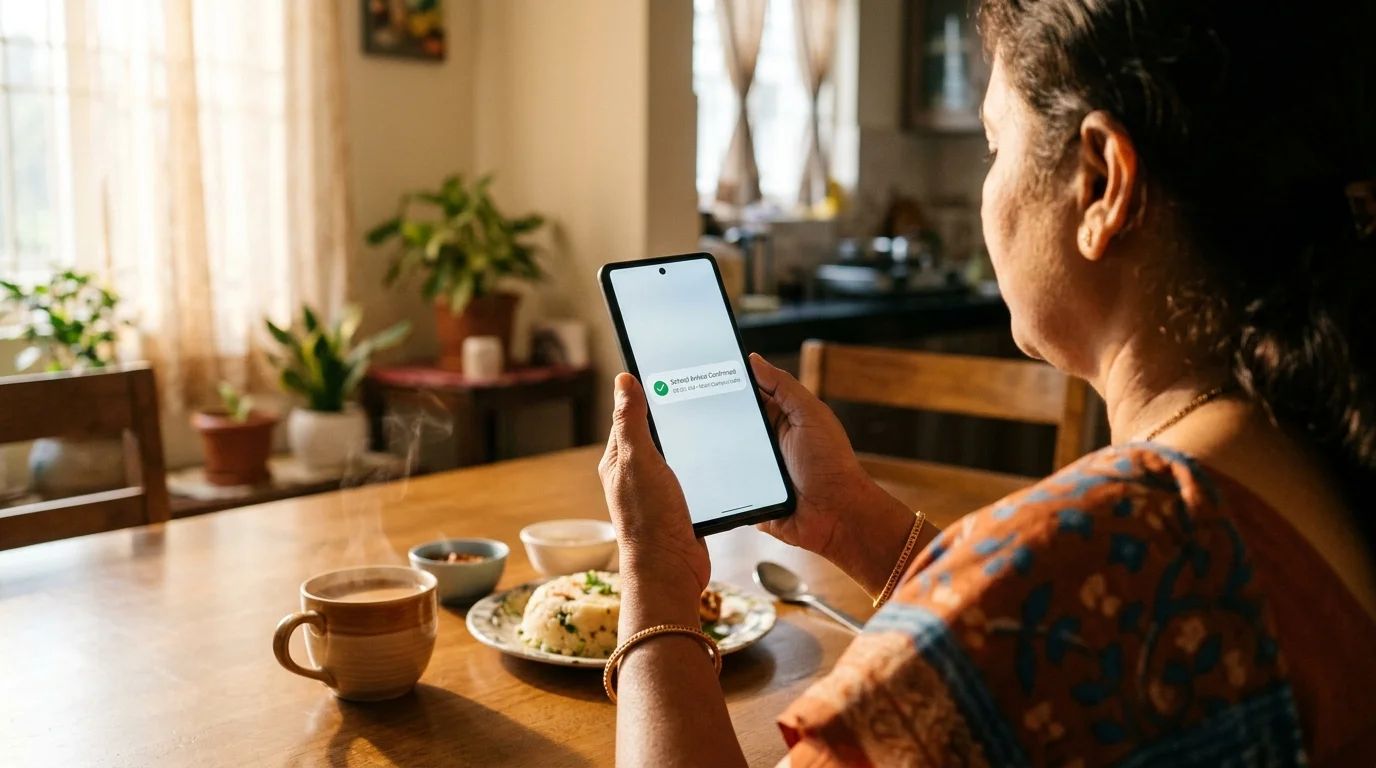
Approved medical notes sync automatically to the 75% attendance tracker.
Parents submit medical or family leave requests from the app; approved leaves automatically reconcile attendance percentages.
ஒவ்வொரு திறனிலும் நிறுவன அளவிலான தரவுப் பாதுகாப்பு, தணிக்கைப் பதிவு மற்றும் நேரலை அறிவிப்புகள் உள்ளன.
Configure once-a-day attendance for primary grades and subject/period-wise attendance for secondary schools and junior colleges (+2).
Multi-stage leave workflows with attachment uploads (medical certificates), class-teacher review, and HOD/Principal sign-off.
Proactive early-warning lists identify students trending below 75% attendance weeks before hall-ticket lockouts.
Retroactive edits require an authorization role and reason tag (sports duty, medical, late bus), preserving complete auditability.
Teachers in basement labs or thick-walled blocks can mark roll-call offline; the app queues and syncs automatically on Wi-Fi.
Download clean statutory attendance registers in CSV/PDF aligned with State Board, CBSE, ICSE, and Intermediate inspection formats.
Every update flows instantly across web dashboards, classroom tablets, and parent mobile apps — with zero manual re-entry.
Completes roll call in seconds without paper registers or month-end totalling.
Live visibility into unmarked periods, chronic absentees, and staff leave coverage.
Apply for leave digitally from home instead of sending paper notes.
Subject-by-subject attendance percentage tracker on web and mobile.
Yes. Attendance granularity is configurable per academic scope within the same institution.
Yes. Period bunking discrepancies between gate-in logs and classroom roll-call flag immediately for mentors and parents.
எங்கள் ADMS இயந்திரம் வளாக வாயில் கருவிகளிலிருந்து நேரடியாக வருகைப் பதிவுகளைப் பெற்று ஒரு வினாடிக்குள் பெற்றோருக்கு எச்சரிக்கை அனுப்புகிறது.
டர்ன்ஸ்டைல் இல்லாத வளாகங்கள், ஆய்வகங்கள், பேருந்துகள் மற்றும் தேர்வுக் கூடங்களில் ஒரே ஸ்கேனில் மாணவர் புகைப்படம் மற்றும் வருகையை உறுதிப்படுத்தலாம்.
மோதல் இல்லாத பாடவேளை அட்டவணைகள், வீட்டுப்பாட நாட்குறிப்பு, மதிப்பெண் பதிவு மற்றும் உடனடி தரவரிசை அட்டைகள்.