
Daily Homeroom or Period-Wise Mode
Configure once-a-day attendance for primary grades and subject/period-wise attendance for secondary schools and junior colleges (+2).

60 మంది విద్యార్థుల సెక్షన్ను 30 సెకన్లలోపు మార్క్ చేయండి—గైర్హాజరు అయినవారిని మాత్రమే ట్యాప్ చేస్తే సరిపోతుంది.
ప్రైమరీ తరగతుల నుండి యూనివర్సిటీ 8-పీరియడ్ టైమ్టేబుల్స్ వరకు పీరియడ్ వారీ హాజరు, తల్లిదండ్రుల సెలవు దరఖాస్తులు మరియు 75% హాజరు ట్రాకింగ్.
Morning gate arrivals pre-fill the register so teachers tap only absentees while digital leave approvals sync automatically.

Morning gate check-ins pre-fill the list so teachers only mark absentees
వేగంగా, స్పష్టంగా—సిబ్బంది, విద్యార్థులు, తల్లిదండ్రులకు ఎలాంటి సాంకేతిక శిక్షణ అవసరం లేదు.
Morning gate arrivals open already marked Present for every period.
Teachers open their current scheduled period; gate taps and pre-approved student leaves are already highlighted on the roster.
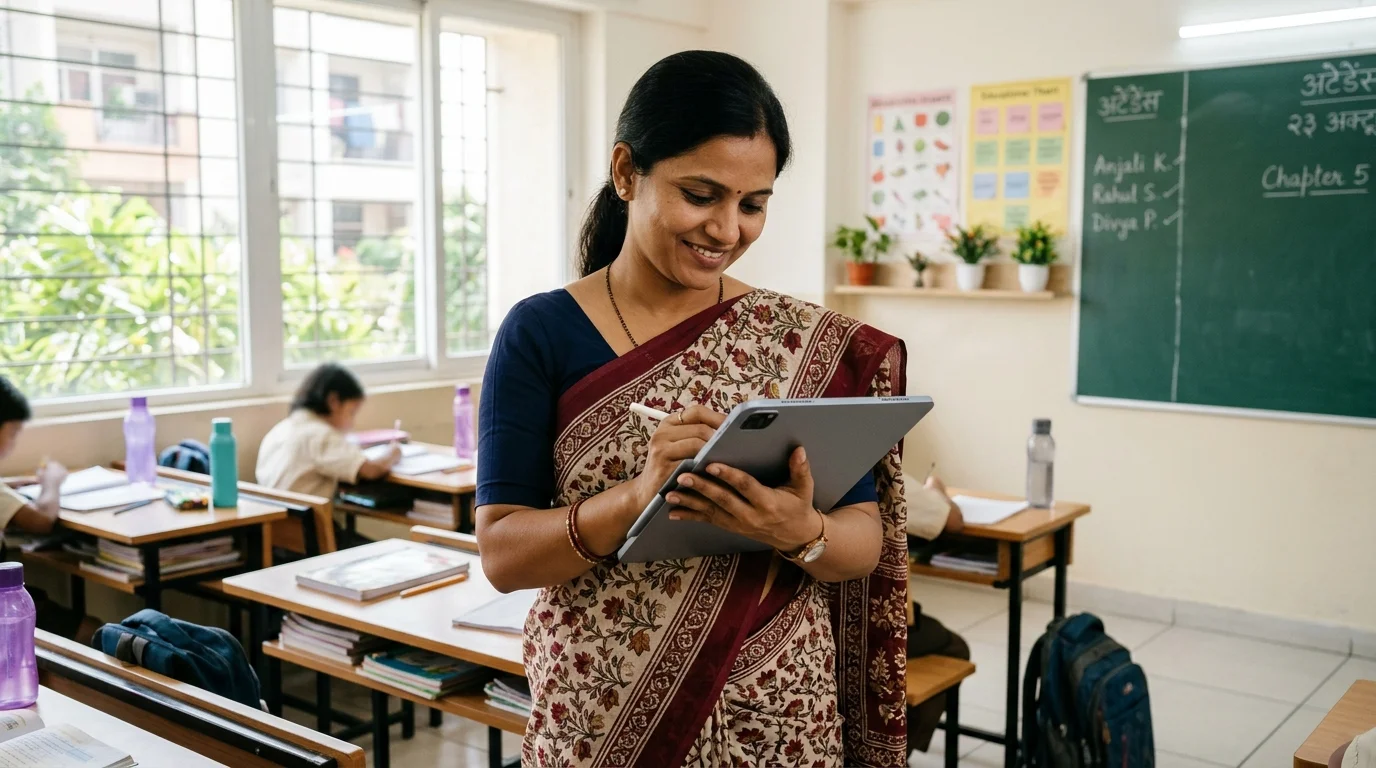
Teachers only tap absent or late students with zero repetitive clicks.
Tap only the 2 or 3 absent or late students and press Submit—saving 8+ minutes of instructional time every period.
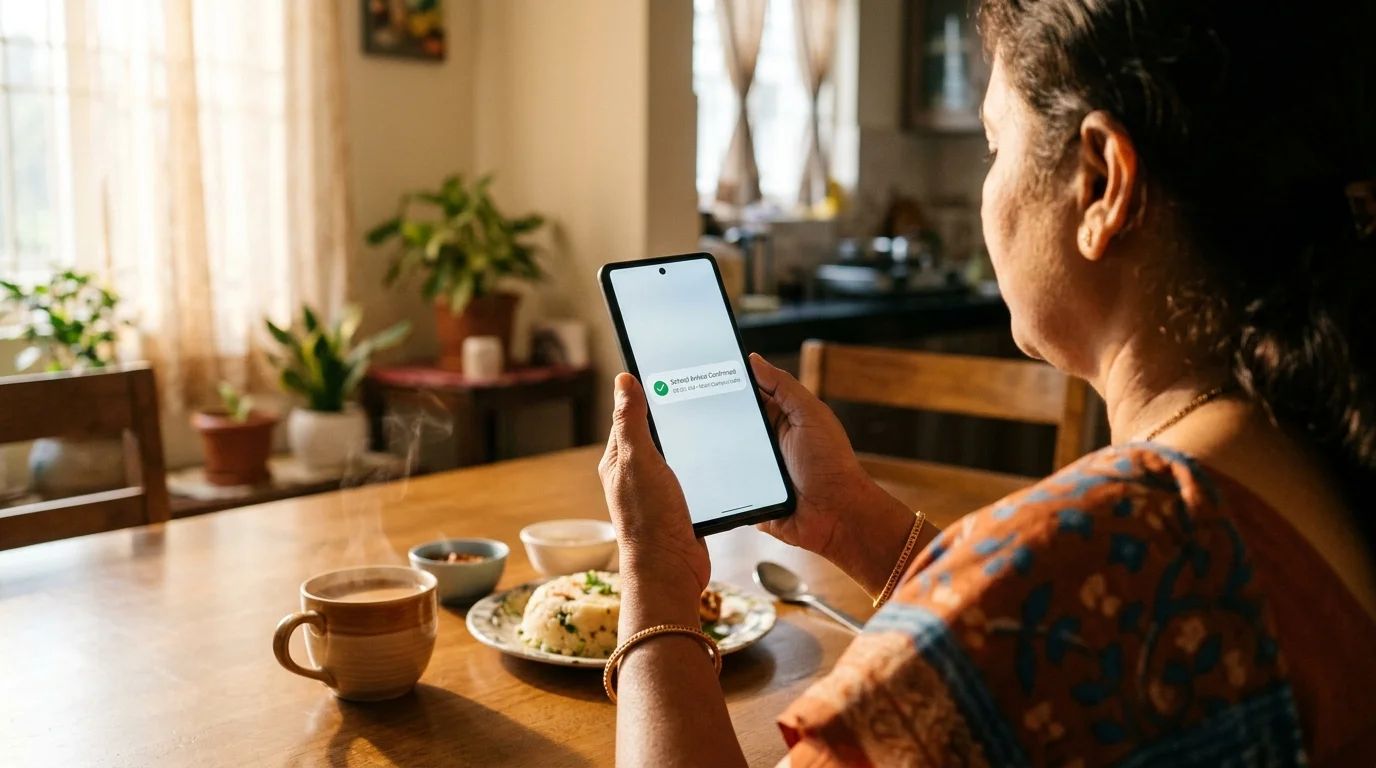
Approved medical notes sync automatically to the 75% attendance tracker.
Parents submit medical or family leave requests from the app; approved leaves automatically reconcile attendance percentages.
ప్రతి సదుపాయంలో సంస్థ-స్థాయి డేటా భద్రత, ఆడిట్ ట్రైల్ మరియు రియల్-టైమ్ నోటిఫికేషన్లు ఉంటాయి.
Configure once-a-day attendance for primary grades and subject/period-wise attendance for secondary schools and junior colleges (+2).
Multi-stage leave workflows with attachment uploads (medical certificates), class-teacher review, and HOD/Principal sign-off.
Proactive early-warning lists identify students trending below 75% attendance weeks before hall-ticket lockouts.
Retroactive edits require an authorization role and reason tag (sports duty, medical, late bus), preserving complete auditability.
Teachers in basement labs or thick-walled blocks can mark roll-call offline; the app queues and syncs automatically on Wi-Fi.
Download clean statutory attendance registers in CSV/PDF aligned with State Board, CBSE, ICSE, and Intermediate inspection formats.
Every update flows instantly across web dashboards, classroom tablets, and parent mobile apps — with zero manual re-entry.
Completes roll call in seconds without paper registers or month-end totalling.
Live visibility into unmarked periods, chronic absentees, and staff leave coverage.
Apply for leave digitally from home instead of sending paper notes.
Subject-by-subject attendance percentage tracker on web and mobile.
Yes. Attendance granularity is configurable per academic scope within the same institution.
Yes. Period bunking discrepancies between gate-in logs and classroom roll-call flag immediately for mentors and parents.
మా హై-స్పీడ్ Go ADMS ఇంజిన్ క్యాంపస్ గేట్ హార్డ్వేర్ నుండి నేరుగా పంచ్లను స్వీకరించి, ఒక్క సెకనులోపు తల్లిదండ్రులకు రాక సమాచారాన్ని పంపుతుంది.
టర్న్స్టైల్ హార్డ్వేర్ లేని పాఠశాలలు, ల్యాబ్లు, బస్సులు మరియు పరీక్షా హాళ్లలో ఒక్క స్కాన్తో విద్యార్థి ఫోటో మరియు హాజరును ధృవీకరించవచ్చు.
క్లాష్-ఫ్రీ టైమ్టేబుల్స్, డిజిటల్ హోమ్వర్క్ డైరీ, మార్కుల ఎంట్రీ మరియు వన్-క్లిక్ ప్రింటబుల్ రిపోర్ట్ కార్డులు.