
3-Number Challenge Matching
Prevents accidental “approve fatigue” by requiring the user on the trusted device to tap the exact 2-digit number shown on the new screen.

అడ్మిన్, క్యాషియర్, టీచర్ మరియు పేరెంట్ ఖాతాలను రక్షించండి—మీ ట్రస్టెడ్ ఫోన్ ఆమోదం లేకుండా కొత్త పరికరం నుండి ఎవరూ లాగిన్ కాలేరు.
కొత్త ఫోన్ లేదా కంప్యూటర్ నుండి లాగిన్ అయితే 2-అంకెల నంబర్-మ్యాచ్ ఛాలెంజ్ కనిపిస్తుంది; మీ రిజిస్టర్డ్ ఫోన్లో ఆ నంబర్ నొక్కితేనే లాగిన్ పూర్తవుతుంది.
Keep school records safe by approving new computer logins with a quick 2-digit number match on the principal’s phone.
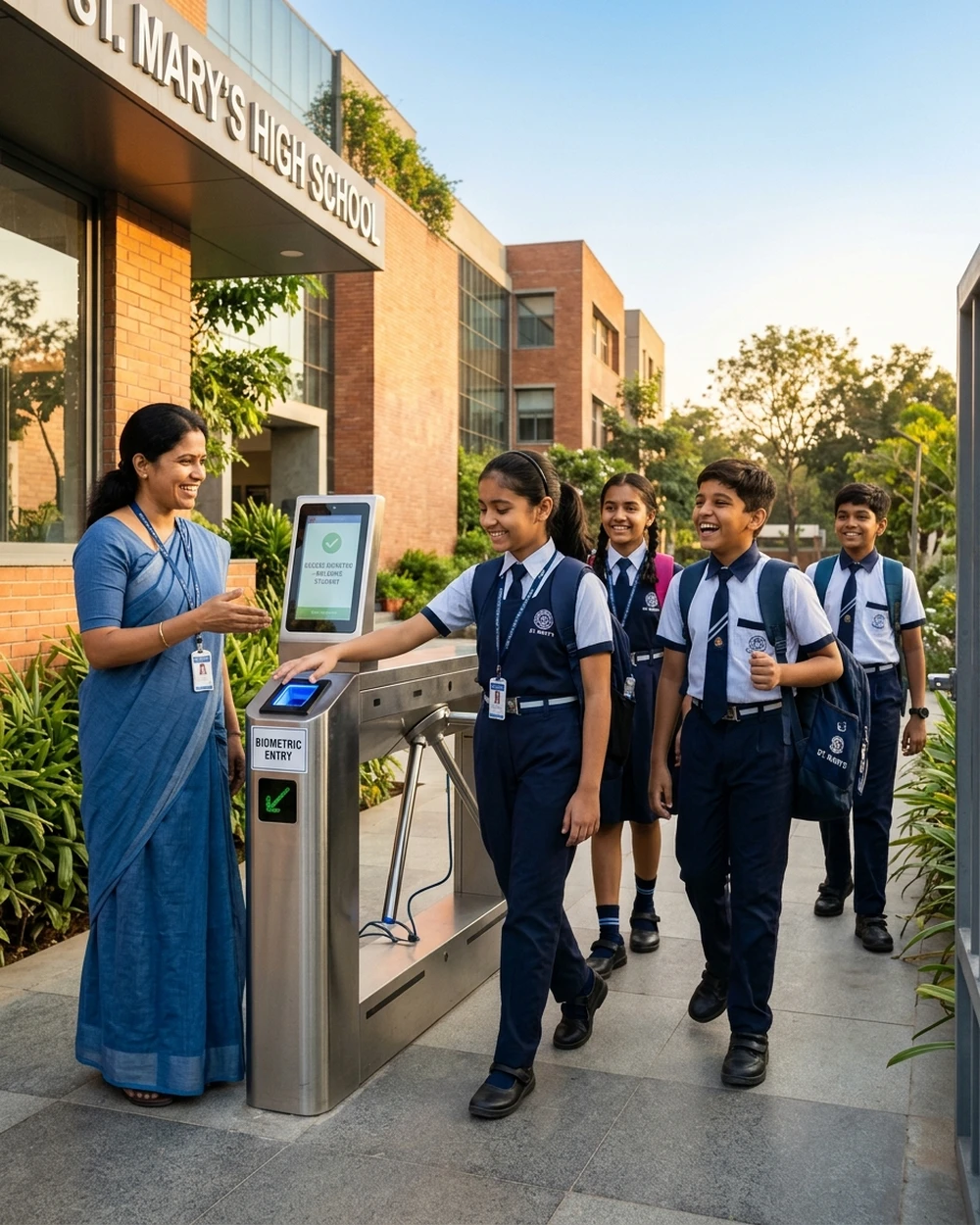
Even if a password is guessed, nobody can sign in without tapping the matching number on your phone
వేగంగా, స్పష్టంగా—సిబ్బంది, విద్యార్థులు, తల్లిదండ్రులకు ఎలాంటి సాంకేతిక శిక్షణ అవసరం లేదు.
Register official office laptops and principal smartphones in one click.
In Profile → Security & Trusted Devices, users see their enrolled hardware with human-readable OEM model names, OS, IP, and active session status.
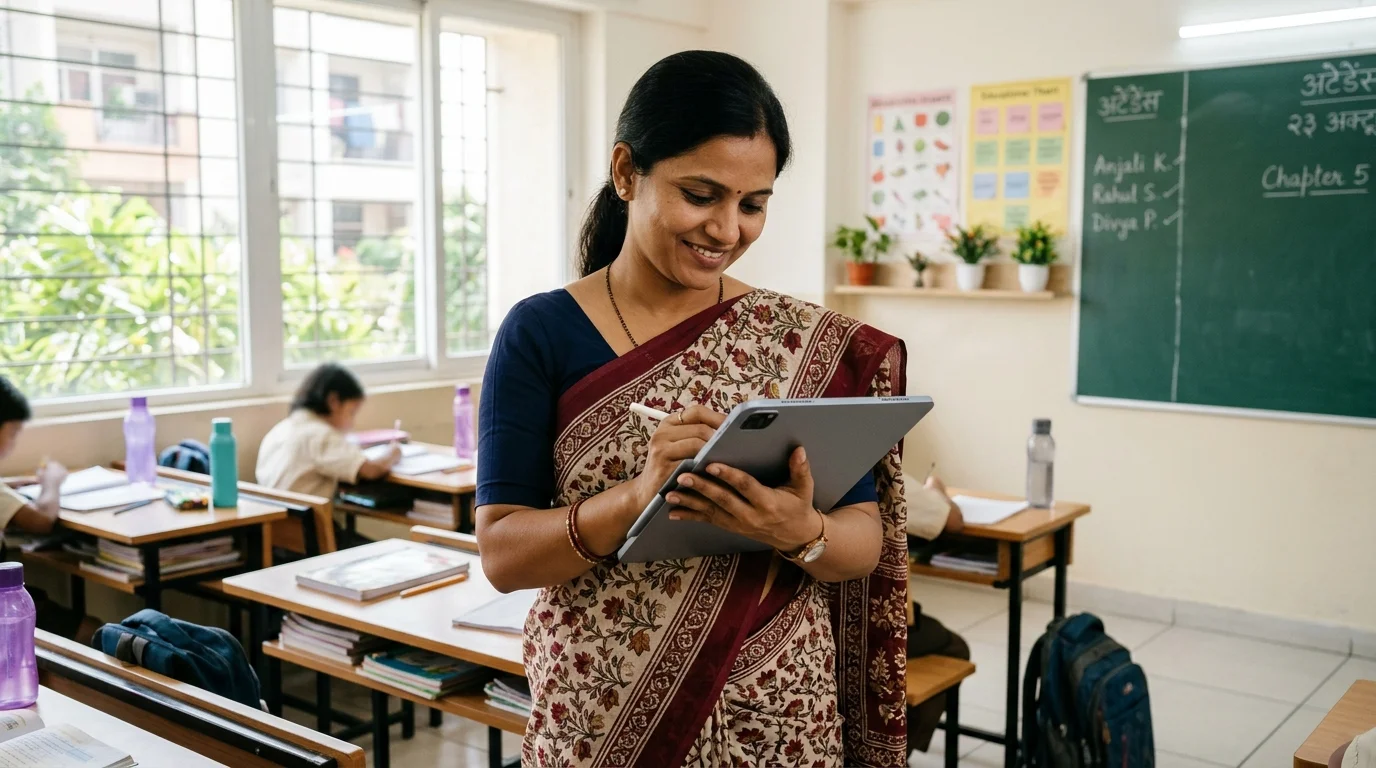
Any new sign-in shows a matching number you confirm on your phone.
When someone signs in from a new phone or laptop, login pauses and displays a 2-digit verification number while alerting all Trusted Devices in real time.
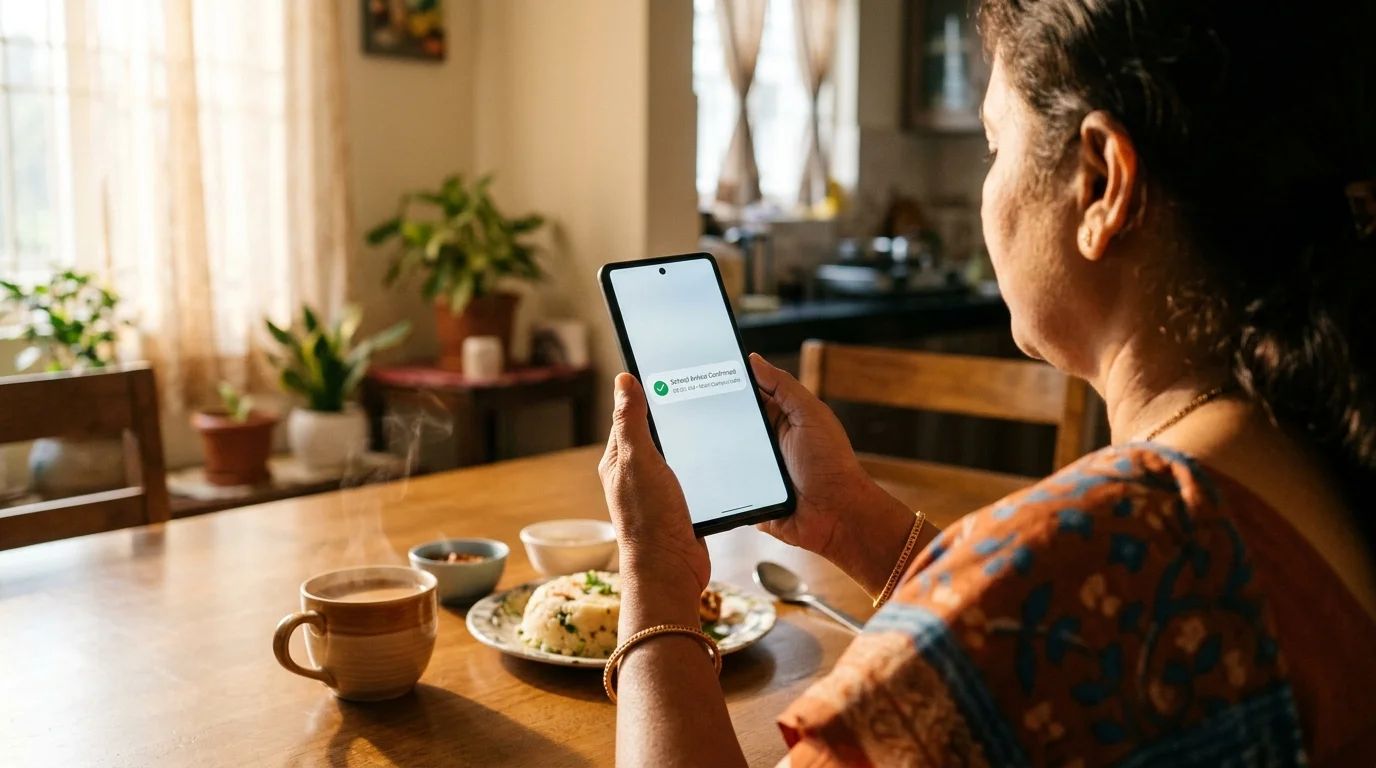
End any session instantly from your phone with a complete safety log.
On the Trusted Device, the user sees the requesting device model (e.g., Motorola Moto G84 · Android 14), taps the matching number to allow access, or taps Deny to block.
ప్రతి సదుపాయంలో సంస్థ-స్థాయి డేటా భద్రత, ఆడిట్ ట్రైల్ మరియు రియల్-టైమ్ నోటిఫికేషన్లు ఉంటాయి.
Prevents accidental “approve fatigue” by requiring the user on the trusted device to tap the exact 2-digit number shown on the new screen.
Identifies Motorola (Moto), Xiaomi/Redmi/POCO, Samsung Galaxy, OnePlus, Vivo, Oppo, Realme, Pixel, iPhone, macOS, Windows, and Linux devices clearly.
As soon as the trusted device approves the challenge, the waiting browser or mobile app transitions straight into the workspace without re-typing credentials.
Users can label devices (“Office Desktop”, “Personal Moto Phone”) and revoke lost or retired hardware in one click.
Ensures financial ledgers and student records can only be opened from authorized campus workstations or management phones.
If a teacher or parent loses their only phone, campus admins can verify identity and reset device trust cleanly.
Every update flows instantly across web dashboards, classroom tablets, and parent mobile apps — with zero manual re-entry.

Guarantees nobody can access sensitive institutional data from an unauthorized home PC.
Protects receipt books and bank account configurations with hardware-bound login security.
Clear visibility into every phone or browser signed into your account, with instant deny.
Enterprise Google/Microsoft-grade sign-in protection built natively into GotIt.
Yes. You can approve a new web browser login from your trusted phone, or approve a new phone from your trusted desktop session.
The prompt shows the detected brand/model (such as Motorola Moto, Samsung, iPhone, or Chrome on Windows), OS platform, and IP address.
బంధువులు లేదా కుటుంబ సభ్యులు విద్యార్థిని తీసుకెళ్లడానికి వచ్చినప్పుడు, సమయ-పరిమిత 6-అంకెల OTP మరియు గుర్తింపు నమోదుతో పూర్తి భద్రత.
వెబ్ మరియు మొబైల్లో ఏడు విభిన్న పోర్టల్స్—ఉపాధ్యాయులు, డ్రైవర్లు, క్యాషియర్లు మరియు తల్లిదండ్రులకు ఎలాంటి శిక్షణ అవసరం లేకుండా సులభంగా పనిచేస్తుంది.
ప్రతి రికార్డు institution_id తో వేరు చేయబడి ఉంటుంది; విభాగాలు మరియు తరగతుల వారీగా ఫిల్టర్లు, నివేదికలు మరియు పూర్తి డేటా గోప్యత.