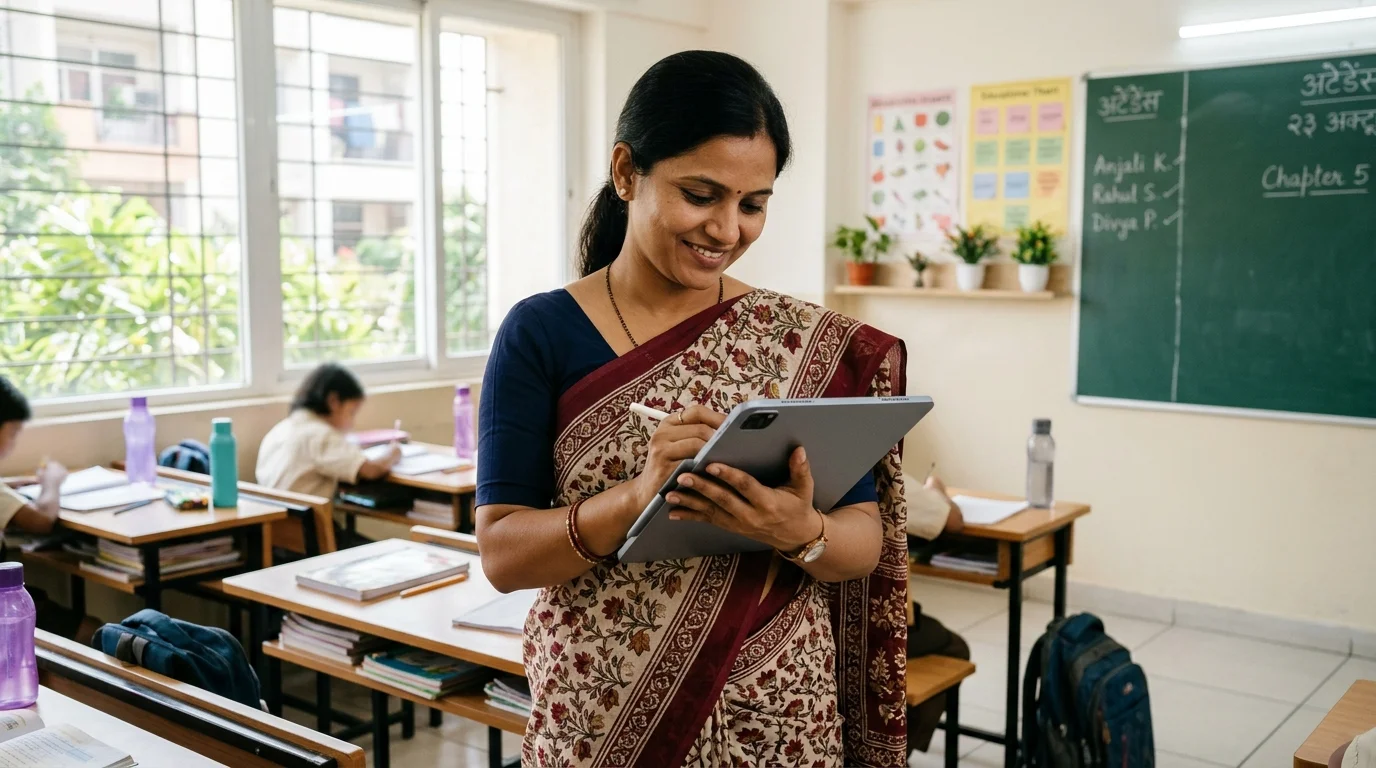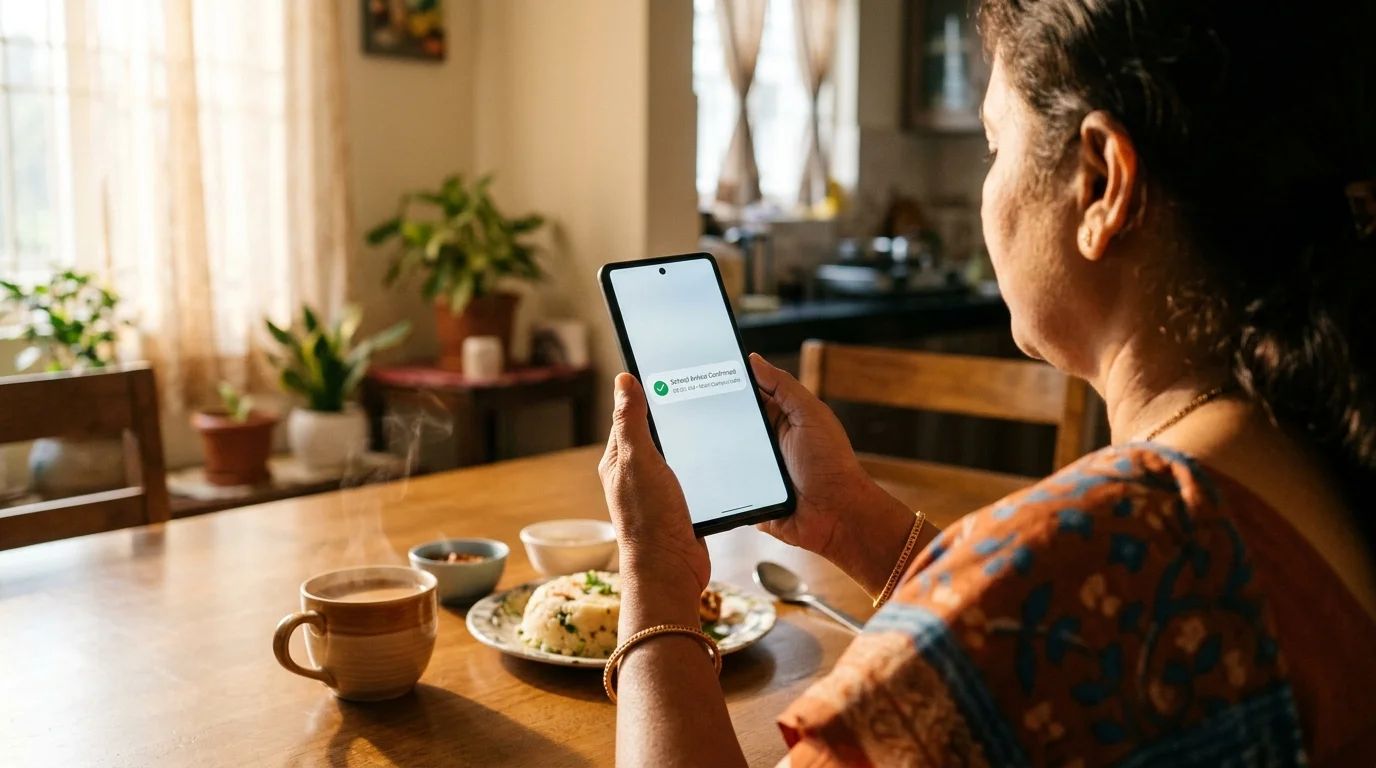
Multilingual Voice Assistant Operational Flow
Ask naturally in Telugu, Hindi, Tamil, Kannada, Malayalam, or English to check attendance, bus timing, homework, or fee dues.

6-Language Voice Assistant — Speak Naturally, Get Verified Truth
Zero typing needed for parents and staff across Telugu, Hindi, Tamil, Kannada, Malayalam & English
Breaking Literacy & Language Barriers in School Communication#
Effective school-home partnerships require clear, accessible communication that reaches every family regardless of technical familiarity or literacy level. While English text circulars serve metropolitan campuses, institutions serving regional, rural, and working-class families often find that text notices go unread.
GotIt Multilingual Voice Assistant transforms institutional communication through automated regional voice telephony. By synthesizing natural voice calls in Telugu, Hindi, Tamil, Kannada, Malayalam, and English, institutions guarantee that urgent student notices and fee reminders are heard and understood.
What It Does#
- Automated Morning Absence Calls: Dispatches immediate voice calls in the family's preferred language if a student is marked absent at morning roll-call.
- Emergency Weather & Campus Broadcasts: Concurrently calls all student guardians with official principal announcements during sudden rain holidays or emergency closures.
- Gentle Fee Reminder Telephony: Plays courteous, itemized voice summaries of upcoming term dues, eliminating awkward in-person confrontations.
- Interactive Parent Responses: Allows parents to press 1 to confirm child absence, press 2 to request a teacher callback, or press 3 to listen to circular details again.
How It Works#
- Language Preference Mapping: During student enrollment, coordinators select the family's preferred mother tongue (e.g. Telugu).
- Text-to-Speech & Voice Templates: Principals compose announcements or select standard attendance templates.
- Automated Dialing Queue: The engine initiates high-throughput voice telephony over secure telecom gateways.
- Delivery Audit Logs: Administrators view a real-time dashboard displaying call connection rates, duration listened, and touch-tone responses.
Who Uses It#
- Campus Principals: Ensuring 100% verified delivery of critical health or closure circulars.
- Fee Coordinators: Courteous, automated fee due reminders that significantly accelerate term fee collections.
- Class Teachers: Automated follow-up calls for consecutively absent students without spending hours making manual phone calls.
- Parents & Grandparents: Clear spoken updates in their native language requiring no app installation or smartphone navigation.
Core Capabilities Checklist#
- Natural voice synthesis supporting Telugu, Hindi, Tamil, Kannada, Malayalam, and English
- Automated morning roll-call absence calling triggered by 09:15 AM
- High-concurrency cloud telephony broadcasting up to 10,000 calls per minute
- Interactive touch-tone (DTMF) response capture (e.g. Press 1 to acknowledge)
- Smart retry logic for busy, unreachable, or unanswered guardian mobile lines
- Comprehensive call delivery analytics with exact listen-duration logging
- Zero commercial third-party marketing or telemarketing misuse
Implementation & Operational Workflow